
Conference Room Design for a conference room today is no longer just about placing a table and a display. Instead, it is about creating a collaborative environment that supports in-person and remote participants equally. As hybrid work becomes permanent, companies must rethink their meeting spaces strategically.
Below are proven conference room design best practices to ensure performance, productivity, and professional presentation.
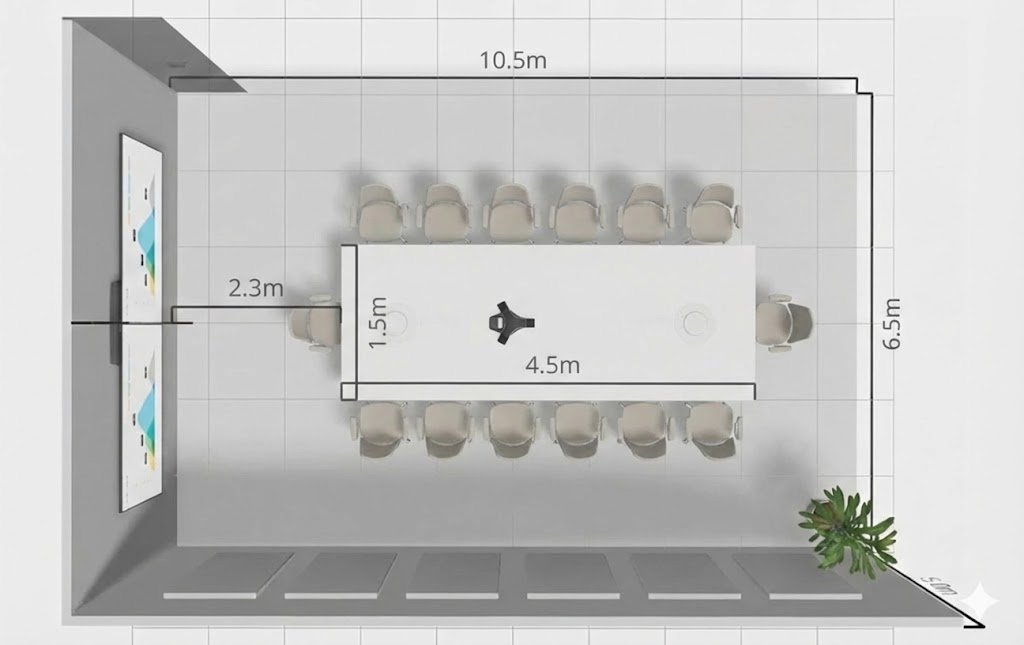
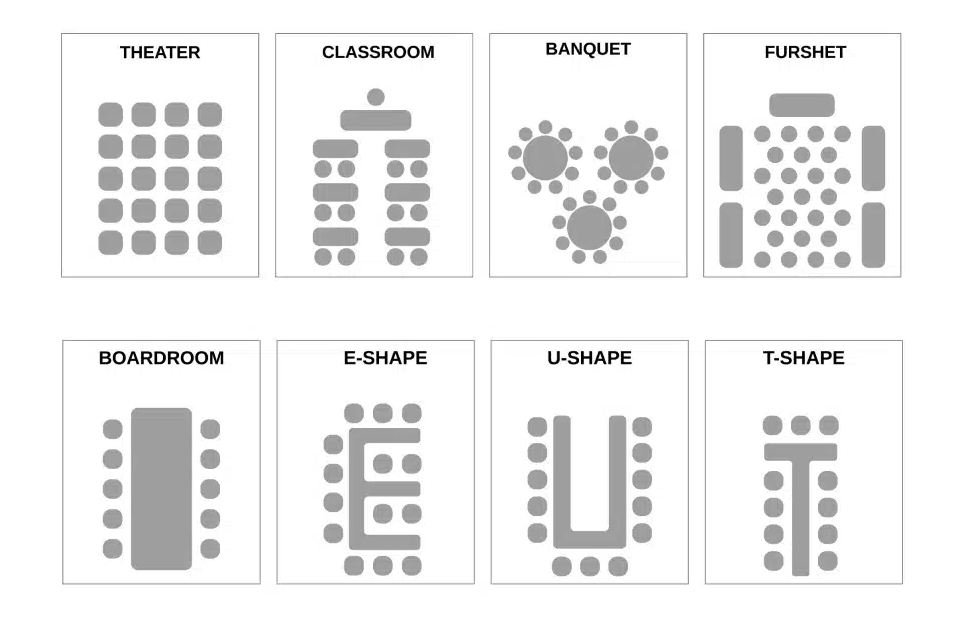
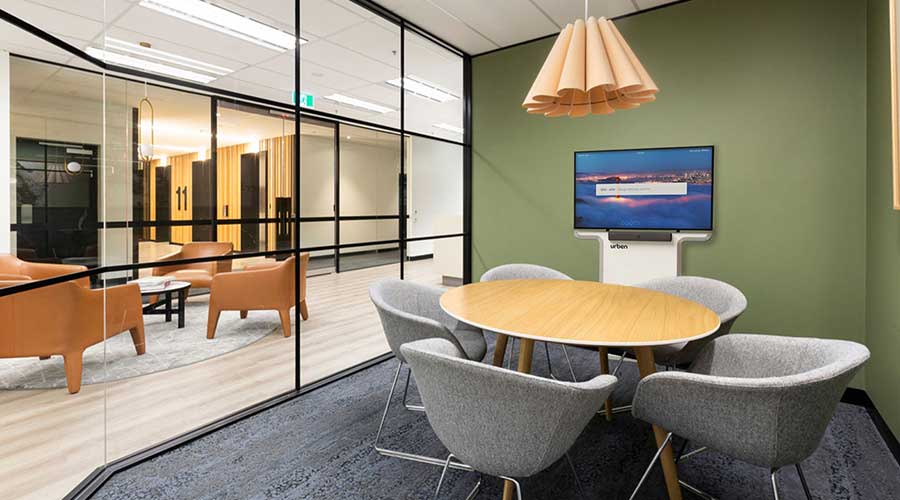
The layout determines meeting effectiveness. Therefore, choose based on room purpose:
Huddle Rooms (2–6 people) – Ideal for quick team sync-ups
Boardrooms (8–14 people) – Executive discussions and client meetings
U-Shape Layouts – Training and presentations
Classroom Style – Workshops and seminars
👉 Best Practice: Maintain minimum 3 feet circulation space around furniture for comfort.
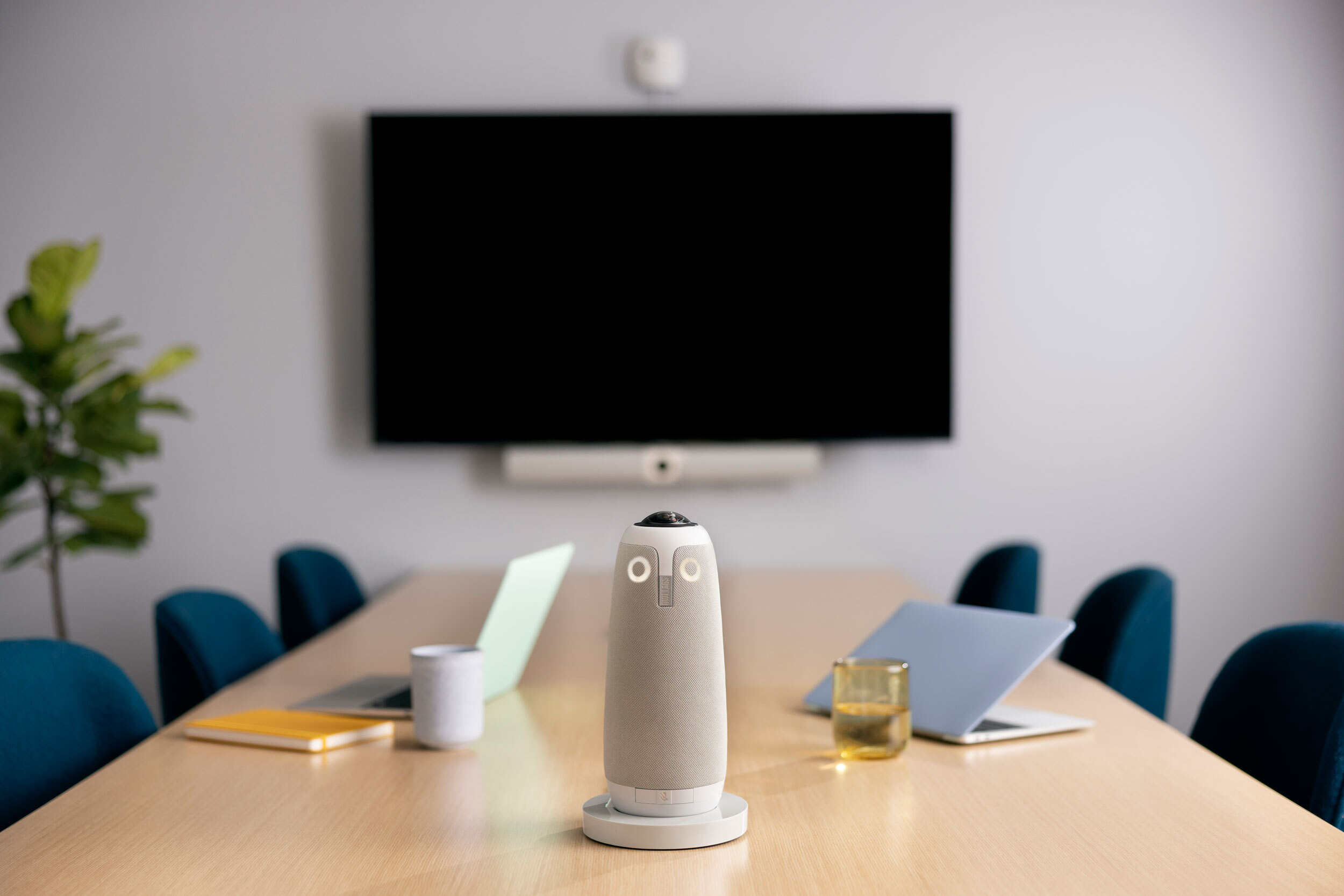
Video is now central to every meeting. However, poor camera positioning ruins the experience.
Mount camera at eye level
Ensure minimum 120° FOV for medium rooms
Use PTZ cameras for rooms deeper than 20 feet
Avoid mounting too high above the display
Popular devices like Meeting Owl 3 work well for small-to-medium rooms, while optical zoom PTZ cameras suit larger boardrooms.


Best practices:
Install acoustic wall panels
Add ceiling baffles
Use table or ceiling mic arrays
Avoid parallel glass walls without treatment
👉 If your room has glass on both sides, table microphones become essential.
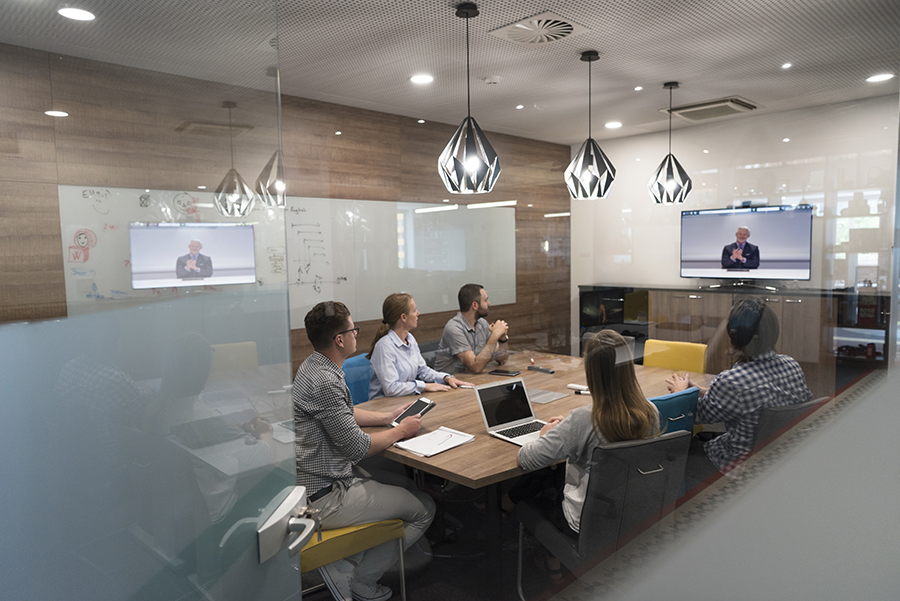
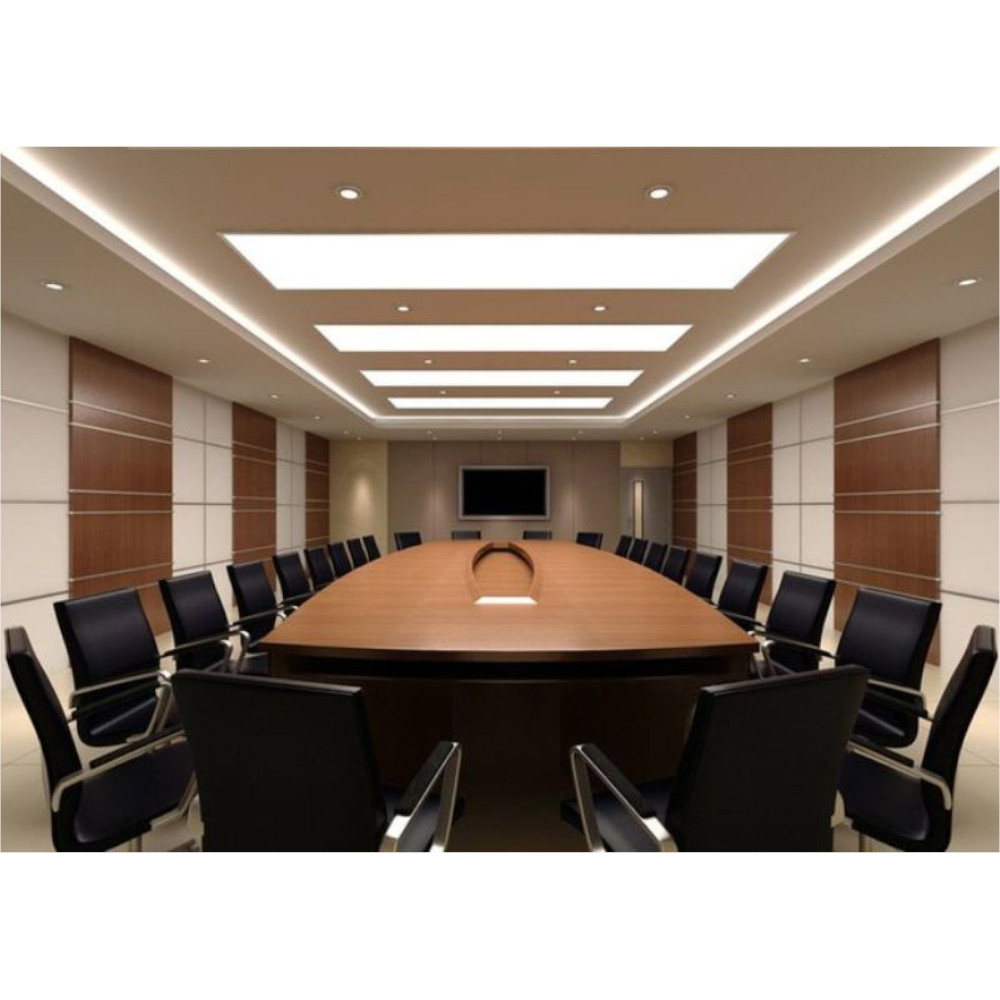
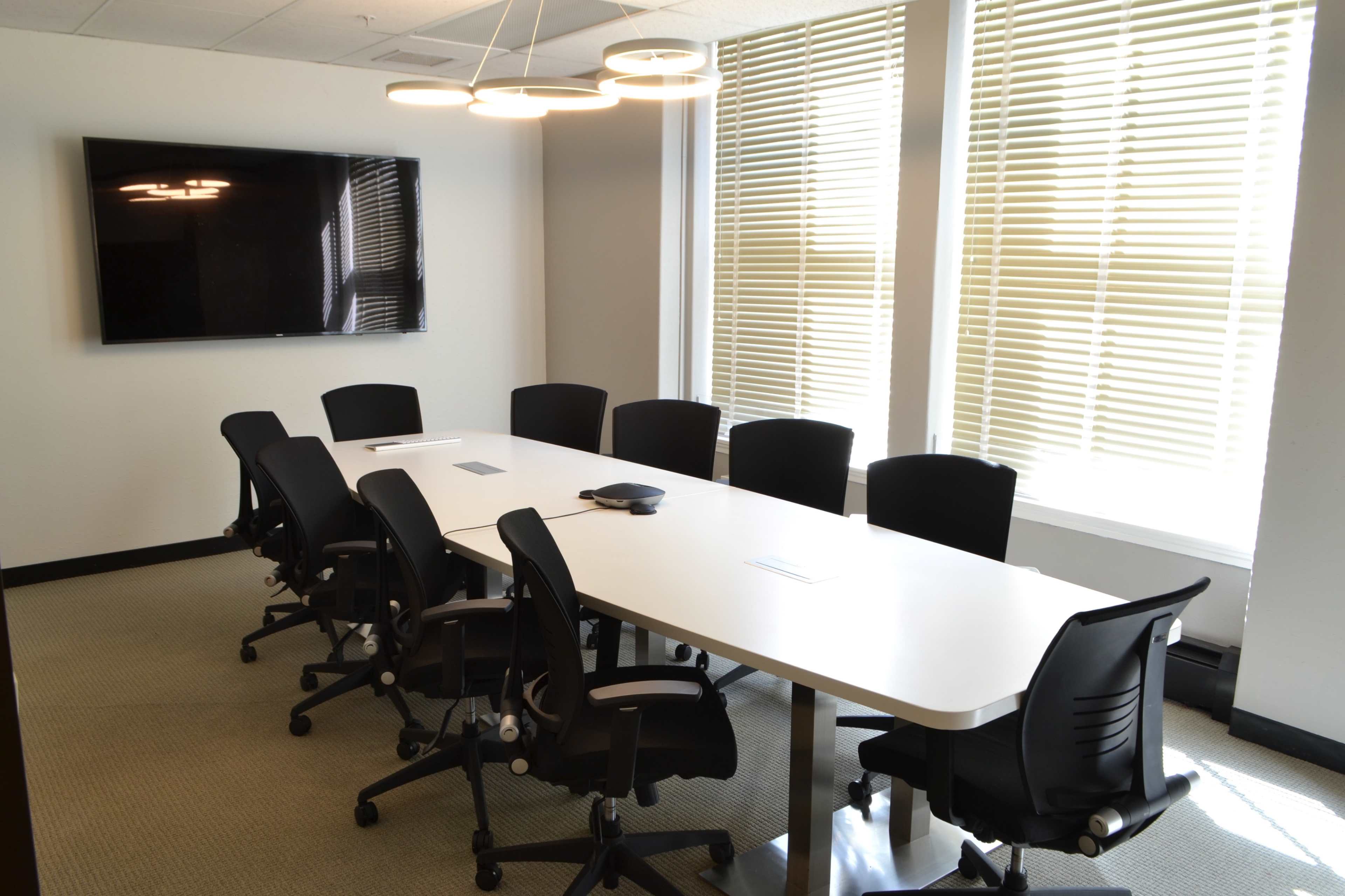
Lighting directly impacts camera quality.
✔ Use diffused LED panel lighting
✔ Avoid backlighting from windows
✔ Maintain consistent brightness across faces
✔ Install blinds to control natural light
Ideal lighting level: 400–500 lux for clear video conferencing.
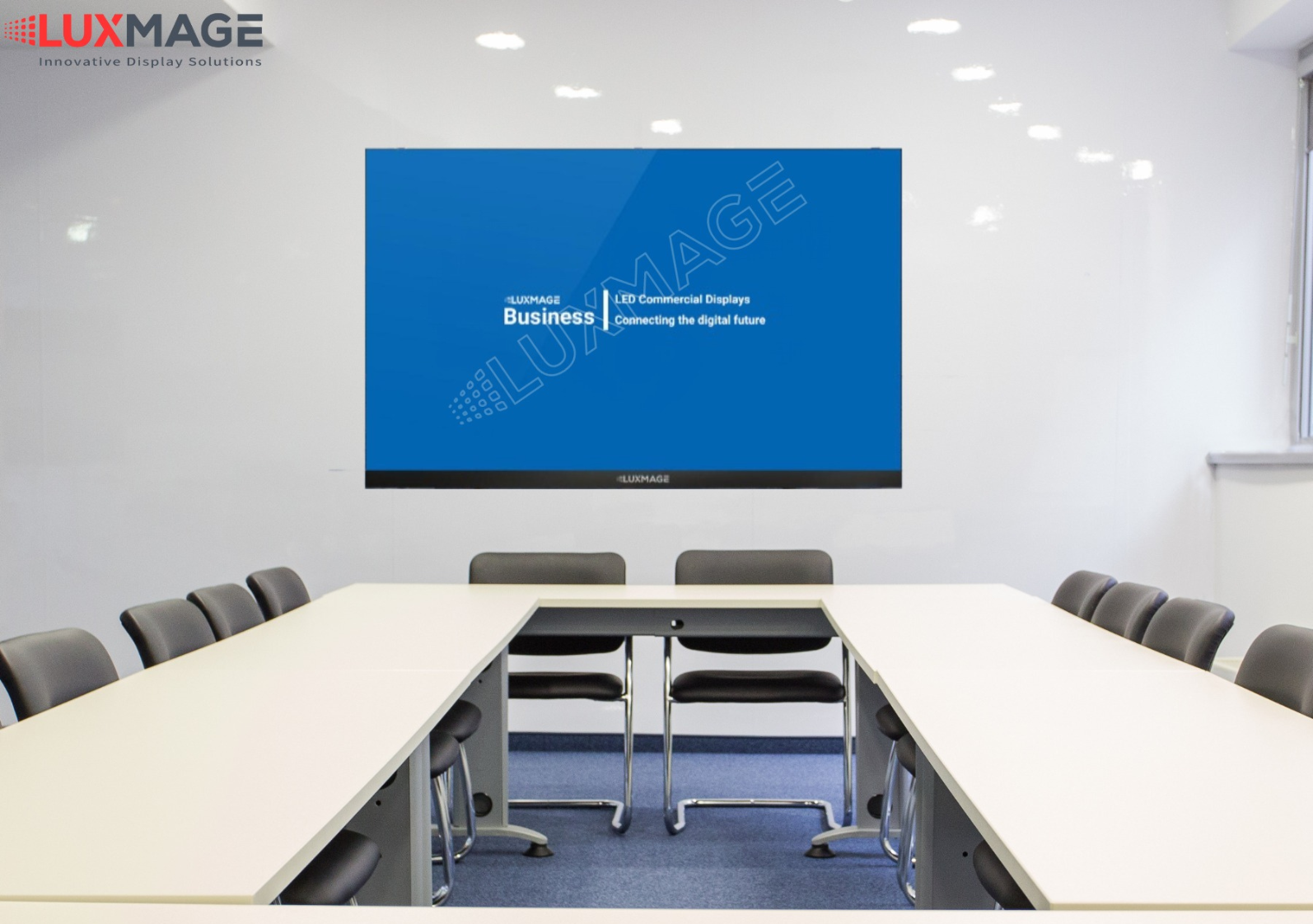

Simple rule:
Display height (inches) × 6 = Maximum viewing distance (feet)
For hybrid meetings:
Use dual displays (content + participants)
Minimum 75-inch display for rooms 20–30 feet deep
Ensure glare-free placement
Modern conference rooms must integrate seamlessly with:
Microsoft Teams
Zoom
BYOD (Bring Your Own Device)
Wireless screen sharing
Room-based systems provide better stability compared to pure BYOD setups.
👉 Internal Read: Room-Based vs BYOD Solutions (Add internal link)
Behind every great conference room is invisible infrastructure.
Best practices:
Concealed floor boxes
Structured CAT6/HDMI routing
Separate power and signal pathways
Proper rack ventilation
Poor cable planning reduces reliability and aesthetics.
Technology evolves rapidly. Therefore:
Choose scalable DSP systems
Keep spare I/O ports
Plan for AI cameras & analytics
Ensure 3–5 year upgrade flexibility
A well-designed room should support growth without major redesign.
Conference room design is no longer just interior planning—it is a strategic investment in communication performance. When layout, acoustics, lighting, and AV technology align, meetings become efficient, professional, and engaging.
If you’re designing or upgrading your meeting space, focus on experience first, technology second. The right balance ensures both in-room and remote participants feel equally included.
Patwa Kinarivala Electronics Ltd has design and implemented over 300+ conference room as on 10-02-2006
Contact [email protected]
© Copyright 2019 Patwa Kinarivala. All Right Reserved. Privacy-Policy
Designed & Developed by e-intelligence